Send money to United Kingdom with OrbitRemit
4.8 · 34,000+ reviewsTrustpilot

Send money to the United Kingdom.

Send more to your family in the United Kingdom. Great rates and no hidden fees, from Australia or New Zealand.

Up to 75% cheaper than the banks.3

App StoreGoogle Play

First transfer is fee-free.1
Promo rate for new customers.2

Recipient gets

How to receive

BankFee-free
Promo rate
Download on the App StoreGet it on Google Play

Award-winning rates, service, and value from OrbitRemit.

WeMoney Best for Value 2025 and 2026

2025 & 2026 Winner

Best for Value

WeMoney · International Money Transfers

WeMoney Outstanding Customer Service 2026

2026 Winner

Outstanding Customer Service

WeMoney · International Money Transfers

WeMoney Excellent Rates and Fees 2025

2025 Winner

Excellent Rates & Fees

WeMoney · International Money Transfers

ProductReview Top Rated Money Transfer Services 2025 and 2026

2025 & 2026 Winner

Top Rated Money Transfer Services

ProductReview.com.au

How to send money to the United Kingdom in 4 steps.

Sign up and verify your ID

Sign up with your email, then verify with a photo and ID scan. Most customers are approved in minutes. Open to AU and NZ residents, including visa holders.

Select United Kingdom and set your amount

Enter how much AUD or NZD you want to send to the United Kingdom, and choose how you want to receive GBP. See the exchange rate and fee before you pay. No hidden costs.

Add your recipient and pay

Save your recipient's details, then pay by bank transfer, PayID (AU), POLi (NZ) or debit card.

Bank transfer
PayIDAU
POLiNZ
Debit card

Your loved ones receive the money

Your recipient receives the money in GBP. Delivery time depends on how they receive it, and you'll see the exchange rate and fee before you pay.

Sign up and verify your ID

Sign up with your email, then verify with a photo and ID scan. Most customers are approved in minutes. Open to AU and NZ residents, including visa holders.

Select United Kingdom and set your amount

Enter how much AUD or NZD you want to send to the United Kingdom, and choose how you want to receive GBP. See the exchange rate and fee before you pay. No hidden costs.

Add your recipient and pay

Save your recipient's details, then pay by bank transfer, PayID (AU), POLi (NZ) or debit card.

Bank transfer
PayIDAU
POLiNZ
Debit card

Your loved ones receive the money

Your recipient receives the money in GBP. Delivery time depends on how they receive it, and you'll see the exchange rate and fee before you pay.

How to receive money in the United Kingdom.

Send to a bank account in the United Kingdom.

Bank account

Send directly to any bank account in the United Kingdom, including Barclays, HSBC and Lloyds Bank. See the exchange rate and fee before you pay.


Santander
Santander
Barclays
Barclays
HSBC
HSBC
Lloyds Bank
Lloyds Bank
NatWest
NatWest
Royal Bank of Scotland

Why choose OrbitRemit for sending money to the United Kingdom?

Be part of the 600,000+ people who’ve joined OrbitRemit.

OrbitRemit customer support agent speaking with a customer.

Support in your language

We speak Tagalog, Nepali, Hindi, Vietnamese and more. Get help from someone who understands you.

See our supported languages
Family in South Asia counting money delivered by an OrbitRemit transfer.

More money for your family

No hidden fees. Your first transfer is fee-free, and up to 75% cheaper than the banks.3

A recipient checking their phone as an OrbitRemit transfer lands.

Fast transfers to your family

Most transfers arrive quickly, and you can track every step.

See transfer speeds by country
A customer securely reviewing a transfer in the OrbitRemit app.

Secure and regulated

We are registered with the DIA in New Zealand and AUSTRAC in Australia. We also have an AFSL and are regulated by ASIC. Compliance and security are important, and your money is protected every step of the way.

Learn how we keep your money safe
OrbitRemit customer support agent speaking with a customer.

Support in your language

We speak Tagalog, Nepali, Hindi, Vietnamese and more. Get help from someone who understands you.

See our supported languages
Family in South Asia counting money delivered by an OrbitRemit transfer.

More money for your family

No hidden fees. Your first transfer is fee-free, and up to 75% cheaper than the banks.3

A recipient checking their phone as an OrbitRemit transfer lands.

Fast transfers to your family

Most transfers arrive quickly, and you can track every step.

See transfer speeds by country
A customer securely reviewing a transfer in the OrbitRemit app.

Secure and regulated

We are registered with the DIA in New Zealand and AUSTRAC in Australia. We also have an AFSL and are regulated by ASIC. Compliance and security are important, and your money is protected every step of the way.

Learn how we keep your money safe

All the features you need to send money to the United Kingdom.

App StoreGoogle Play

4.8 on Trustpilot from 34,000+ reviews.

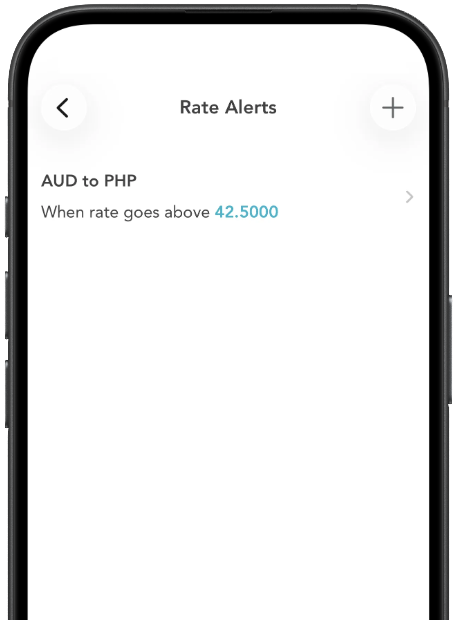
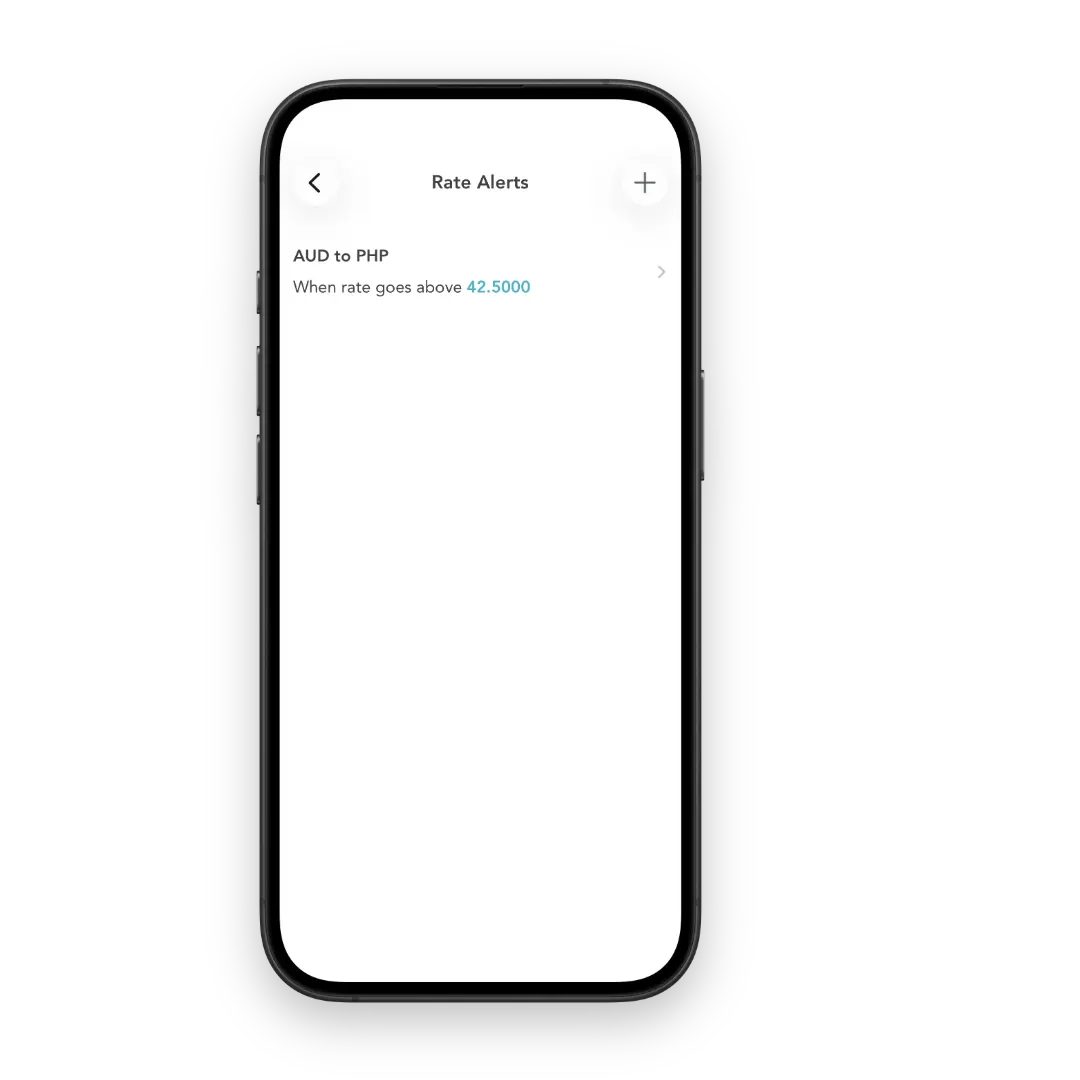
Rate alerts

Get notified when your target rate is hit.

OrbitRemit app — Rate alerts
App StoreGoogle Play

What OrbitRemit customers say on Trustpilot.

Everything you need to know about sending money to the United Kingdom.

Visit our Help Centre
With OrbitRemit, you can send money to the United Kingdom using a direct bank transfer. Funds are deposited directly into your recipient's UK bank account.
OrbitRemit supports transfers to any UK bank account that uses valid account and sort code details. This includes major banks such as Barclays, HSBC UK, Lloyds Bank, NatWest, Santander UK and Royal Bank of Scotland, along with many other UK financial institutions. As long as your recipient's bank account details are correct, the funds can be delivered directly to their account.
Sending GBP from Australia or New Zealand with OrbitRemit has no transfer fee. All fees and the exchange rate are shown upfront before you confirm, so there are no surprises.
Transfers to the United Kingdom from Australia or New Zealand with OrbitRemit usually arrive within 1-3 working days. Once OrbitRemit receives your payment, funds are processed and deposited directly into your recipient's account within that timeframe. Transfers sent on weekends or public holidays may arrive later, as local banks and payout partners operate on standard hours. You will see the estimated delivery time before confirming your transfer.
Log in to your OrbitRemit account, or create one if you're new and complete the verification process. Once your account has been verified, select GBP and enter the amount you want to send. Add your recipient's UK bank details (account number and sort code), then review the guaranteed exchange rate and fees shown. Tap 'Make Transfer' to confirm. Once OrbitRemit receives your payment, the funds are processed and deposited directly into your recipient's UK bank account.
No, there are no receiving fees or deductions when you send money to the United Kingdom with OrbitRemit. Your recipient receives the full payout amount displayed at the time of transfer. All fees and the exchange rate are shown upfront before you pay, so there are no surprises.
There is no maximum transfer amount on transfers to the United Kingdom using OrbitRemit. All transfers are subject to standard verification and compliance checks.
OrbitRemit is licensed and regulated in New Zealand and Australia. We follow strict financial, compliance and anti-money laundering requirements to ensure your transfers are always safe and transparent. Customer funds are held only with trusted banking institutions — never as cash.

Send money home from Australia and New Zealand to 50+ countries in 33+ currencies.

Send money home. Your first transfer is fee-free.

Be part of the 600,000+ people who’ve joined OrbitRemit. Fast, secure transfers from Australia and New Zealand with no hidden fees.

Download the OrbitRemit app today

Download on the App StoreGet it on Google Play

Download the OrbitRemit app today

First transfer is fee-free: The fee-free promotion is valid on your first transfer only and applies when you pay via bank transfer or PayID. Subsequent transfers may attract a fee depending on destination, payment method and transfer amount. All applicable fees are shown in the calculator before you confirm.

Promo rate for new customers: Promo rate applies to the first $500 of your first transfer. Amounts above that use OrbitRemit’s standard rate. Rate subject to change. See full promo rate terms.

Up to 75% cheaper than the banks: Based on OrbitRemit's internal research conducted in December 2024.